 IPTVMAX

1. The device
Pick one that is still getting updates: a Google TV Streamer, Walmart’s onn. 4K Pro, Amazon’s Fire TV Stick 4K Max or an Apple TV 4K. Avoid two: Amazon’s 4K Select stick (it runs Vega OS and refuses outside players) and any Roku.
2. The connection
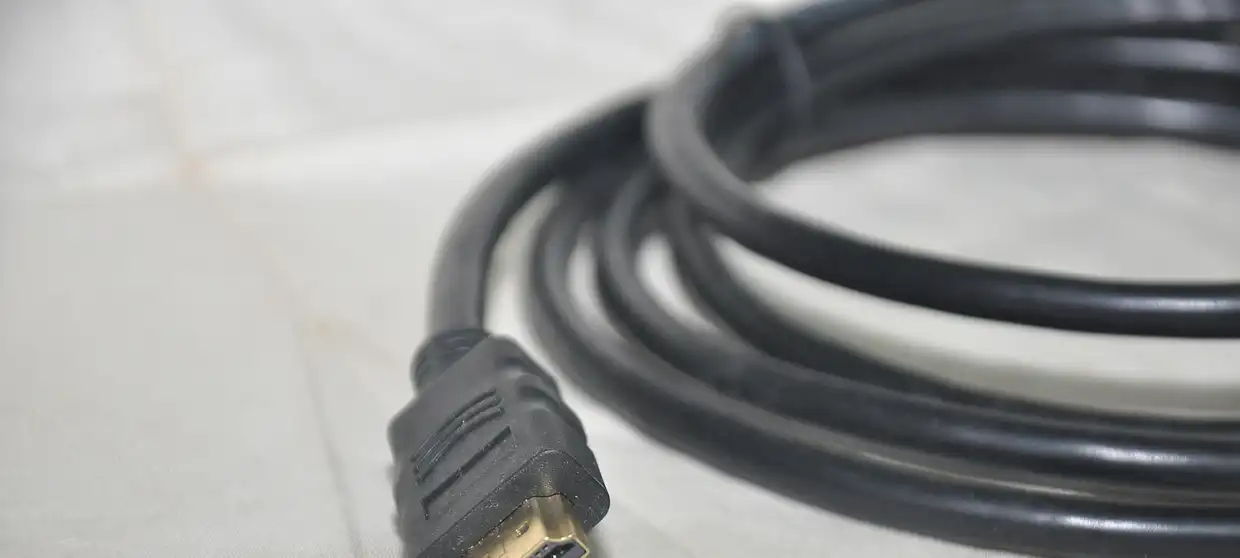
Plug the device into the router with a cable if you can. On Wi-Fi, keep the router in the open, not in a cabinet. Test the speed from the device itself in the evening; that is when networks are busiest.
3. The player
Install TiviMate (Google TV, Fire TV), UHF or Smarters Player Lite (Apple), or IBO Player (Samsung, LG). Choose Xtream Codes as the login type and enter the details we send. Step-by-step help for each device is at the signal desk.
4. The guide and your locals
Give the guide a minute to load. Open the group named after your TV market; our market pages list the call signs you will find there. Add them, plus your team’s networks, to a favorites list.
5. Before game day
Test a live sports channel a day early, and keep the desk’s WhatsApp number handy.
What readers want to know
My TV is already smart. Is a stick worth it?
Often, though not required; Samsung and LG TVs run some players. A $30 to $50 stick is usually faster and gets app updates longer.
What download speed is enough?
Budget around 10 Mbps per HD picture, and about 25 for a 4K one. Test it on the box itself at 8 or 9 PM.
Which player app is easiest?
TiviMate on Google TV or Fire TV has the most cable-like guide. On Apple devices, UHF or Smarters Player Lite.
Sources we checked
- FCC: Broadband speed guide · read October 15, 2026