 IPTVMAX

Common causes
- Searching the wrong store
- Sign-in typed with the remote and mistyped
Work through these in order
- Open Google Play on the TV and install TiviMate or IPTV Smarters.
- Choose Xtream Codes sign-in.
- Use the Google TV app on your phone as a keyboard to type the details faster.
- Load the playlist and wait for the guide to fill.
Still not right?
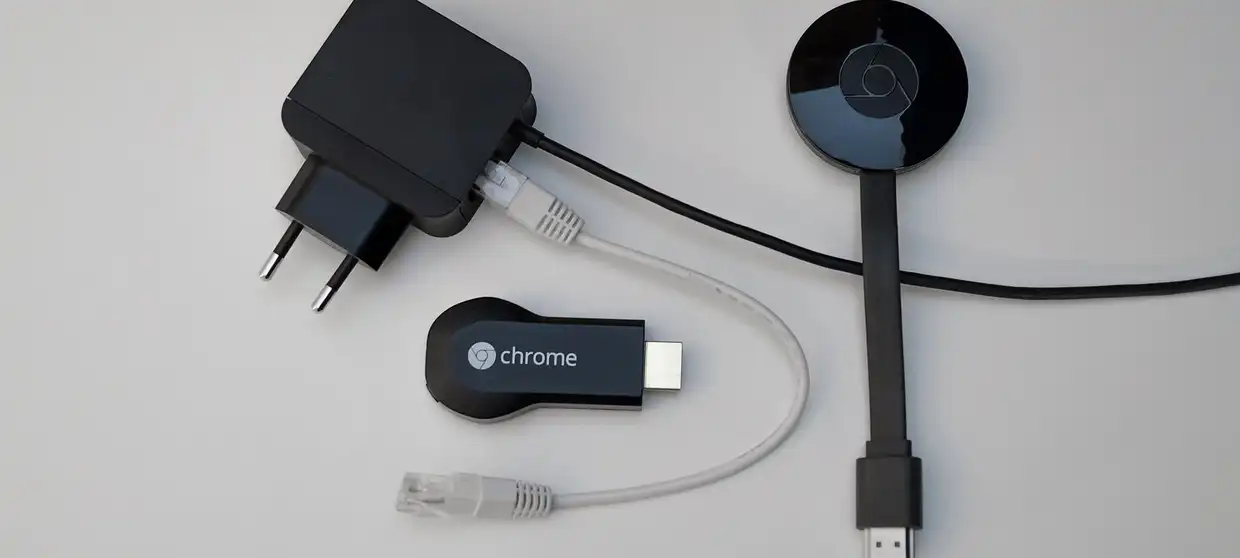
Older Chromecasts without the remote (the dongle-only kind) cannot install apps; they need casting from a phone.
Related fixes
About this fix
Why does this happen?
Usually one of these: searching the wrong store; sign-in typed with the remote and mistyped.
What if the steps do not help?
Older Chromecasts without the remote (the dongle-only kind) cannot install apps; they need casting from a phone. Then message the desk on WhatsApp or by text; most messages get a reply within 30 minutes during desk hours.
Is the free trial affected?
No. Everything on this page applies to trial logins as well as paid plans.