 IPTVMAX

Common causes
- Connection below about 25 Mbps
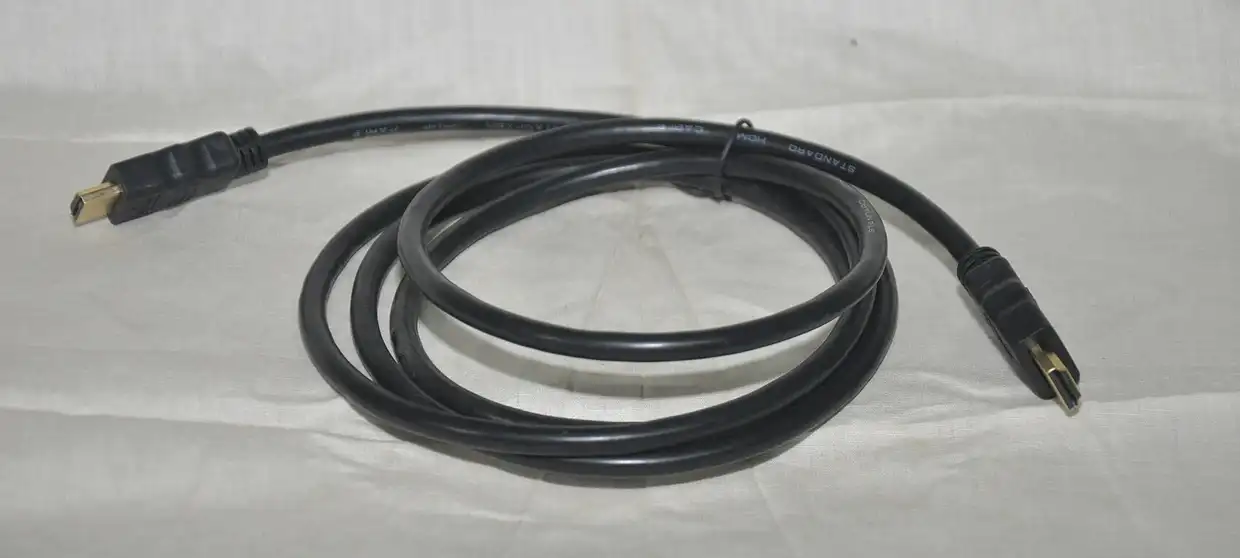
- A device or HDMI port that is not 4K-capable
Work through these in order
- Check the speed on the streaming device itself; 4K needs roughly 25 Mbps or more.
- Plug into the TV’s HDCP 2.2 port (often labeled, usually HDMI 1 or 2).
- Use hardware made for 4K, for example an Apple TV 4K, a Shield, Google’s Streamer or the 4K Max stick.
- Fall back to the HD version of the channel during busy hours.
Still not right?
Most live US sports are produced in 1080 or 720 anyway; HD is often the same picture.
Related fixes
About this fix
Why does this happen?
Usually one of these: connection below about 25 mbps; a device or hdmi port that is not 4k-capable.
What if the steps do not help?
Most live US sports are produced in 1080 or 720 anyway; HD is often the same picture. Then message the desk on WhatsApp or by text; most messages get a reply within 30 minutes during desk hours.
Is the free trial affected?
No. Everything on this page applies to trial logins as well as paid plans.